Platform Features
This is what "the AI works it first" actually means
No feature below exists to help you file tickets more neatly. Each one exists to move a ticket closer to resolved before a human touches it — or to prove, on the record, that it was handled.
AI & Automation
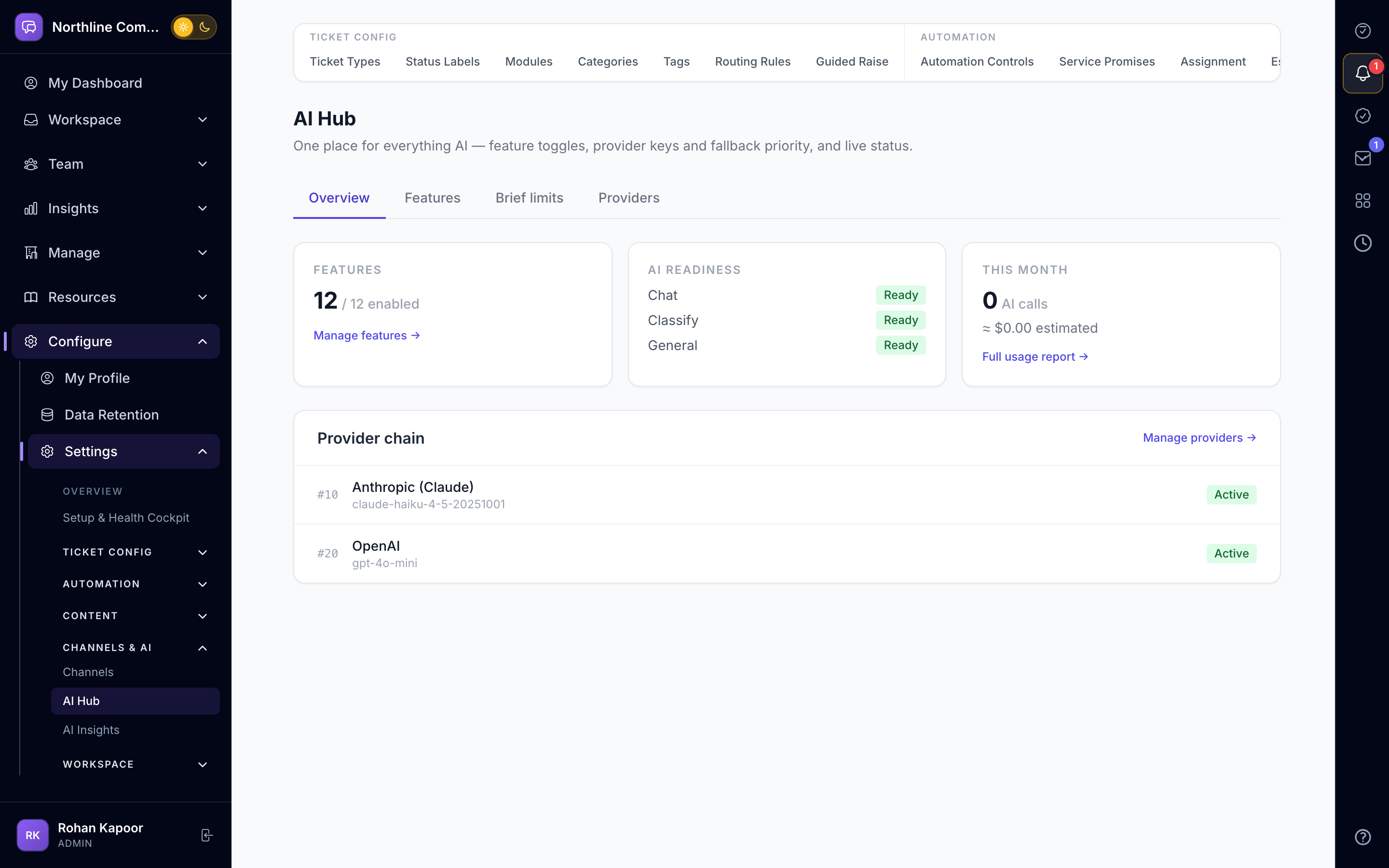
AI Triage
Tickets get classified and routed to the right team the moment they arrive — before any human has to read them.
AI Synopsis
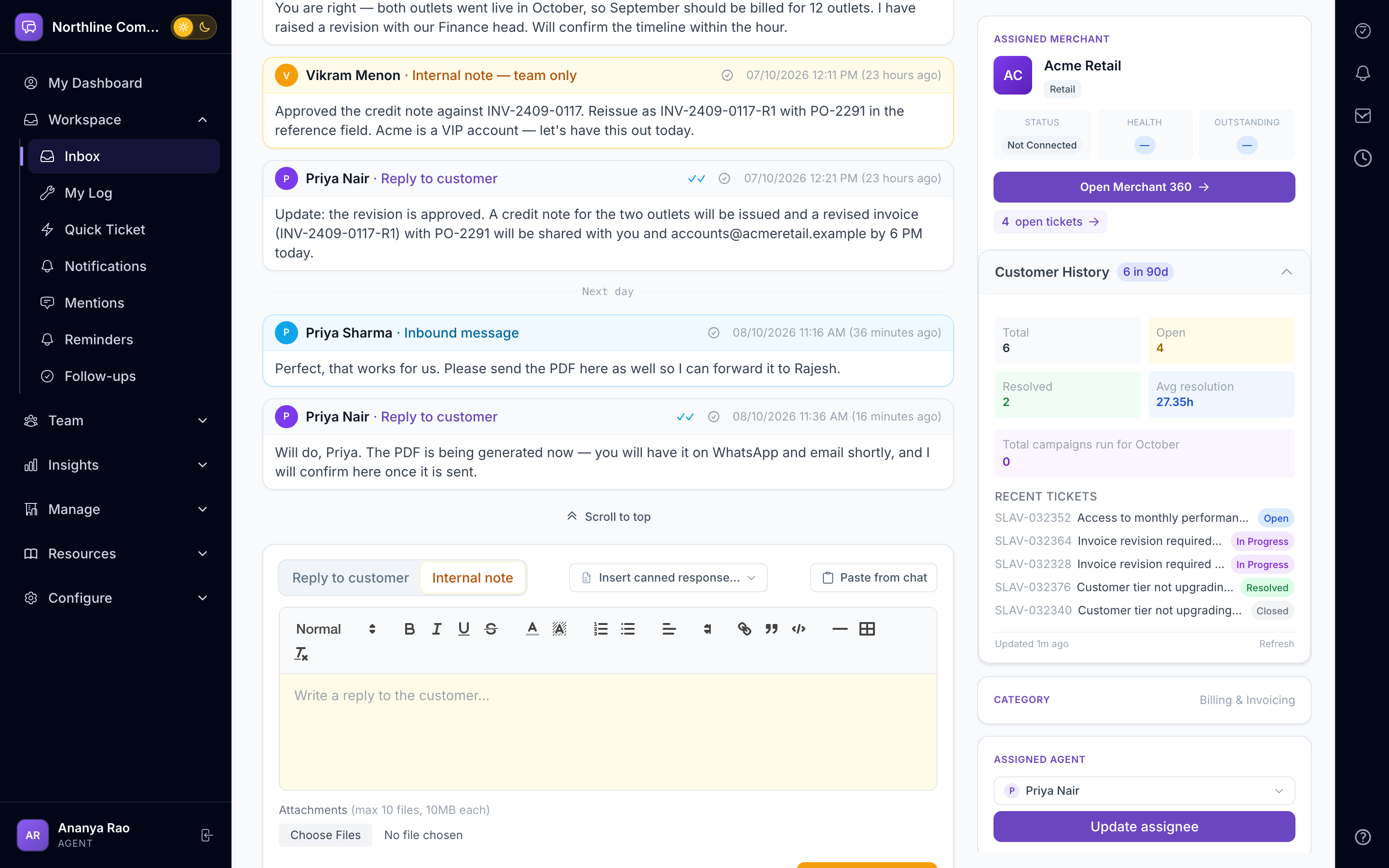
Get the issue, what's been checked, and the recommended next step in one summary — so anyone can pick up a ticket cold and know exactly where it stands.
Suggested Replies
Agents reply faster by starting from a suggestion pulled straight from your knowledge base and past tickets, instead of a blank box.
Sentiment Detection
Spot a frustrated customer before they escalate publicly, not after.
AI Classifier Suggestion
AI proposes the routing, your agent approves it with one click — you get the speed of automation without losing control of the decision.
Assignment Rules
Set it once — "if subject contains X, assign to team Y" — and stop manually re-routing the same kind of ticket every time it comes in.
Workflow Automation
The right diagnosis checklist attaches itself based on ticket category, and can even pull customer data and notify a supervisor automatically — no agent has to remember every step.
AI Policy Simulator
Try a new routing rule against real historical tickets before it touches live traffic, so you catch a bad rule in a sandbox instead of in production.
Outcome Learning
Suggestions get better over time, learning from what your agents actually send rather than staying static.
Visual Rule Builder
Build complex automation by dragging and connecting steps — no developer or ticket to your eng team required.
AI Learning Loop
Routing and triage accuracy keeps improving as the AI learns from every ticket your team resolves.
Team Digest
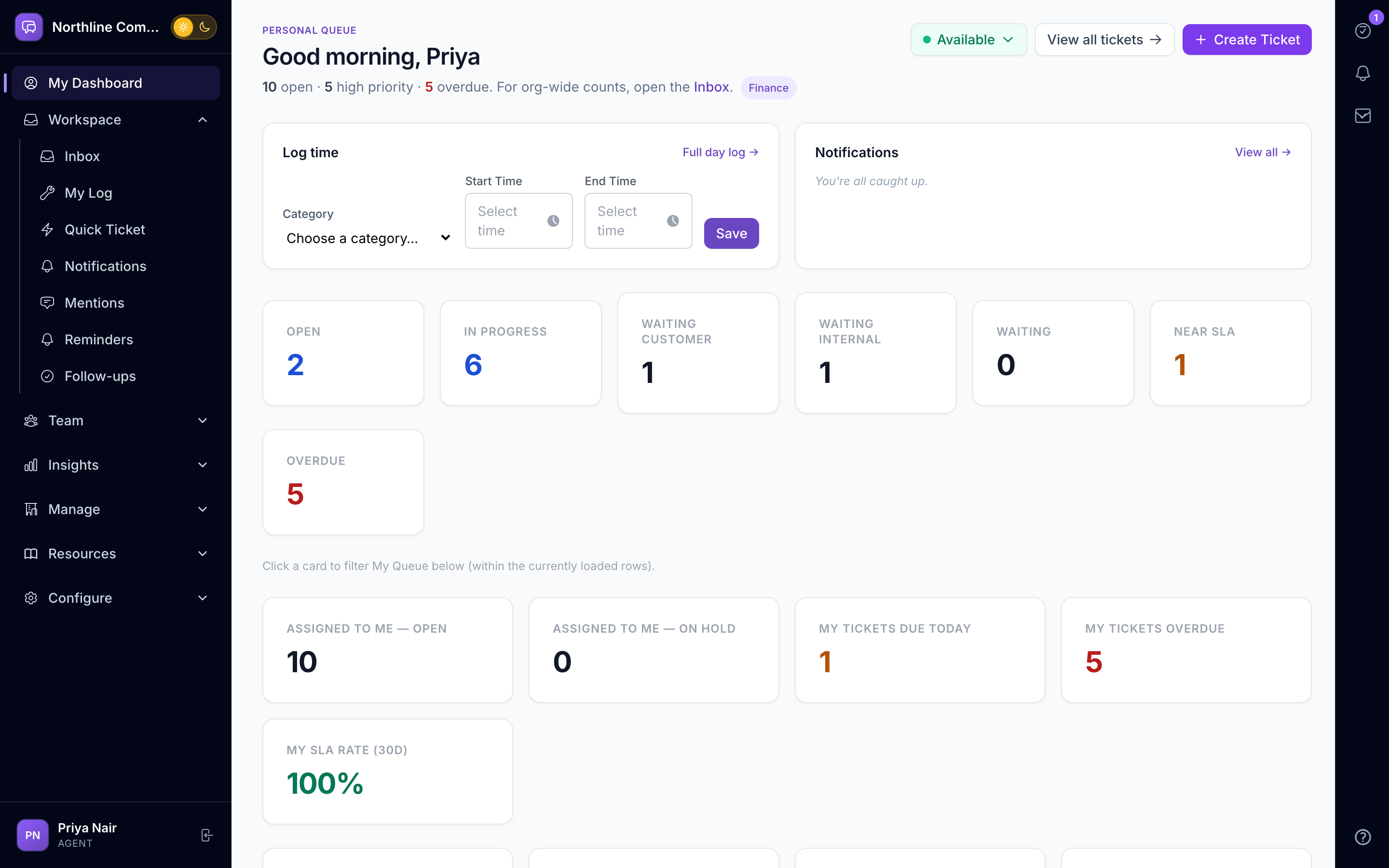
Managers start the day already knowing what's open, what's at SLA risk, and how the team performed — no digging through dashboards first.
Ticketing Core
Unified Inbox
Email, WhatsApp, and portal tickets land in one prioritised queue — nothing falls through the cracks because it arrived on the "wrong" channel.
Stage Journey Tracker
Anyone can see where a ticket stands (Raised → Diagnosing → Resolved → Closed) at a glance — no more "any update on this?" pings to check status.
Diagnosis & Resolution Panel
Structured fields for failure point, root cause, and resolution mean the next agent who opens this ticket type already knows the fix — instead of re-diagnosing from scratch.
Smart Assignment
Tickets land with the right person automatically — by department, skill, or round-robin — so nothing sits unclaimed in a shared queue.
Ticket Merging
Duplicate reports of the same issue collapse into one thread, so your team isn't solving the same problem twice.
Bulk Actions
Clear a backlog of hundreds of tickets in one click instead of one-by-one.
Canned Responses
Answer common questions in seconds with a shared reply library, instead of retyping the same explanation for the tenth time.
Internal Notes
Coordinate with teammates on a ticket without the customer seeing the back-and-forth.
SLA & Compliance
SLA Policies
Set the response and resolution targets that match what you've promised each customer — by priority, ticket type, or plan tier.
Breach Alerts
Know a deadline is at risk while there's still time to act, not after you've already missed it.
SLA Pause & Clock
The clock stops while you're waiting on the customer, so you're never penalised for their delay.
Compliance Reports
Answer "are we hitting our SLAs?" with an export, not a manual spreadsheet exercise.
Audit Log
Every action on every ticket is recorded — so when a customer disputes what happened, you have the answer.
Data Retention
Meet GDPR and data-residency requirements with retention rules set per organisation, not a one-size-fits-all policy.
Multi-Department
Department Inboxes
HR, Tech, and Finance each work their own queue with their own agents and SLAs — one team's ticket storm never buries another's.
Dept. Dashboards
A department manager sees their team's numbers only — not a company-wide dashboard they have to filter every time.
Cross-Dept. Routing
Hand a ticket to another department without losing the history that got it there — no re-explaining the issue from scratch.
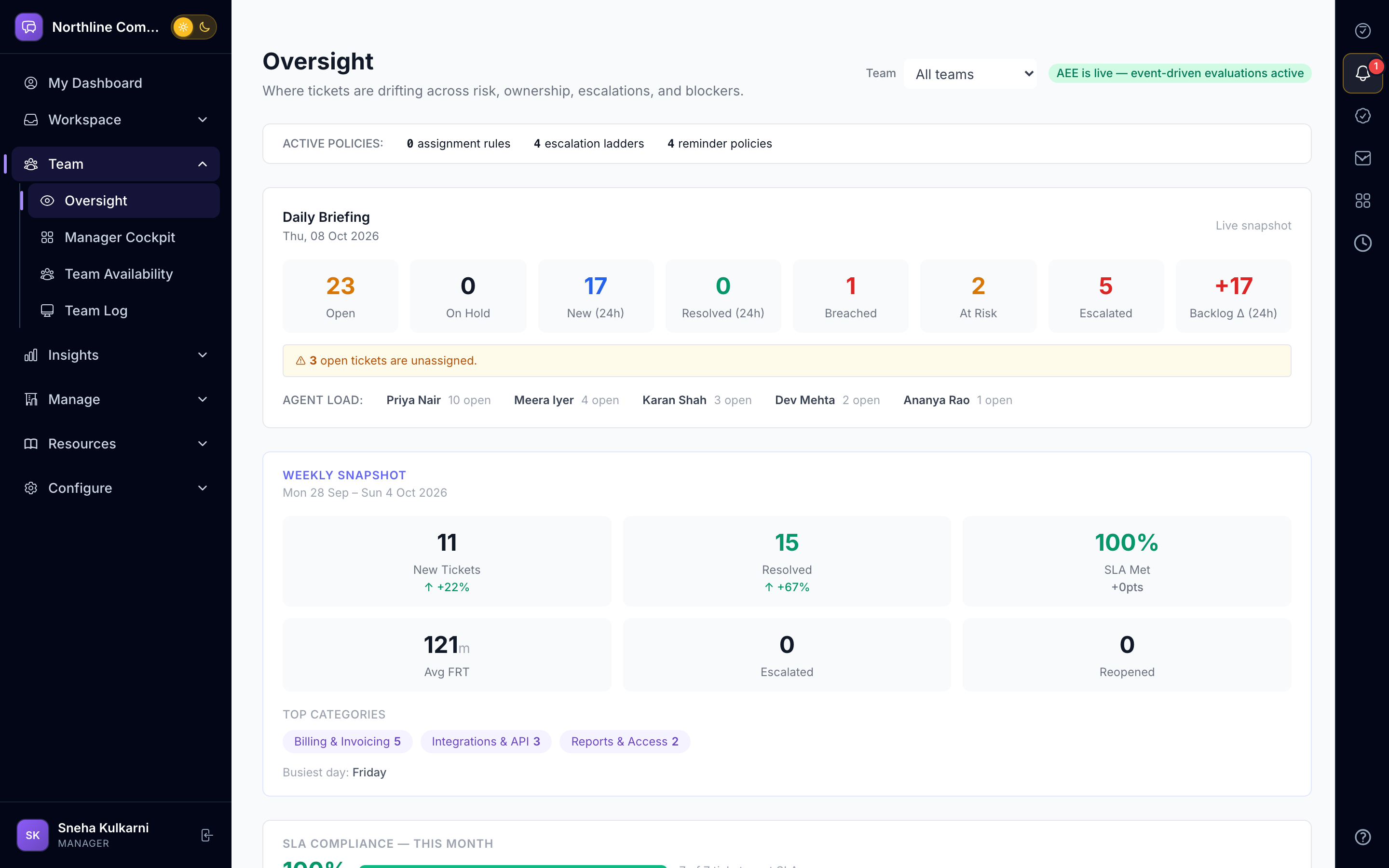
Oversight Dashboard
Spot an overloaded agent or a stuck ticket while there's still time to rebalance, not after customers start complaining.
Executive Dashboard
Leadership gets a real-time read on SLA health, ticket trends, and plan usage — without asking a manager to pull a report.
Role-Based Access
Everyone sees exactly what their role needs — Super Admin → Owner → Admin → Manager → Agent — and nothing they don't.
Customer Portal
Branded Portal
Customers get a support experience that looks like yours, not a generic third-party tool with someone else's logo on it.
Ticket Tracking
Customers can check status and add updates themselves — instead of emailing your team to ask "any news?"
Knowledge Base
Customers solve simple issues themselves through search, so your queue only fills up with things that actually need a human.
Portal Notifications
Customers hear about status changes automatically — no one's left wondering if anyone's looking at their ticket.
Multi-Org Isolation
One customer never sees another customer's tickets — full stop, by design, not by convention.
Client User Mgmt
Admins control who on the customer side can raise and see tickets — invite, deactivate, or reset access in seconds.
Customer Memory
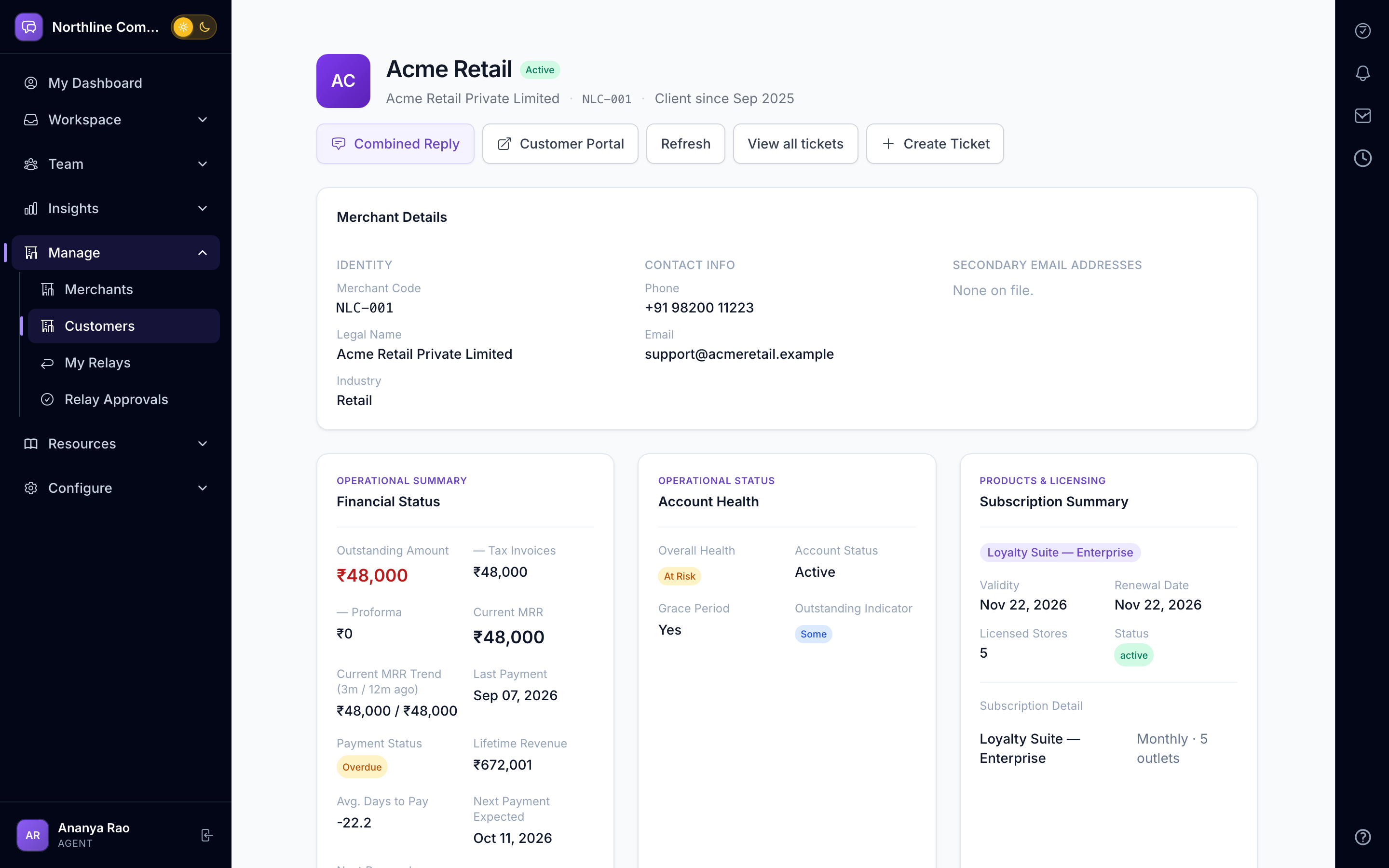
Agents open a ticket already knowing this customer's history and preferences — instead of asking them to repeat context they've given before.
Guided Ticket Wizard
Customers answer a few focused questions instead of writing a free-text essay, and you get a properly typed, prioritised ticket every time — no back-and-forth just to figure out what they meant.
Partner & Vendor Portal
Persistent Partner Login
POS vendors, implementation partners, and outsourced support teams get their own login — separate from your staff and your customers, no shared passwords or token juggling.
Per-Client Permission Matrix
Decide exactly what each partner can do for each client — reply, close, escalate, see internal notes — down to 9 independent toggles, instead of an all-or-nothing login.
Ticket Scope Filtering
A partner only ever sees the categories, departments, and priorities you've scoped them to — nothing ambiguous, nothing accidentally exposed.
Partner Dashboard
Partners see their own open tickets, what's awaiting their action, and SLA risk at a glance — so they stop pinging your team asking "what's pending on my end?"
Structured Vendor Actions
Every partner action — reply, close, escalate, reassign — is permission-gated and logged, so external access never means losing accountability.
Vendor Ticket Templates
Common vendor issues — POS faults, API failures, billing disputes — start from a template, so partners raise a well-formed ticket instead of a vague one.
Immutable Audit Trail
Every partner action is recorded with IP and metadata in a log that can't be edited or deleted — so when something goes wrong, you know exactly who touched what.
Team-managed Onboarding
You invite partner users, not the other way around — and revoking access is instant, with the audit history preserved even after removal.
Attachment Upload
Partners can attach diagnostic files and screenshots directly to a ticket, using the same secure storage as your own portal uploads.
Workflow Checklist Integration
Partners with the right permission can work through the same diagnosis checklist your own agents use — every step timestamped and audited either way.
Integrations & API
REST Ticket API
Any system you already run — your ERP, CRM, monitoring tool — can push a ticket into Auradesk with one API call, no manual re-entry.
Embeddable Widget
Drop a one-line embed into your own product or internal tool so your users can raise a ticket without ever leaving the page they're on.
Connected Apps Management
Give each connected app only the access it needs — create tickets, post replies, close tickets — and revoke it instantly the moment it shouldn't have access anymore.
Outbound Webhooks
Get notified the moment a ticket is created, assigned, resolved, or gets a new reply — so a support agent's answer lands back in your own system in seconds, without polling for changes.
Workforce Directory Sync
Connect your HR / workforce system — HRMS, HRIS, payroll, or identity provider — and your support roster keeps itself current: new joiners become agents and are auto-invited, department, title and reporting-manager changes flow through, and anyone who leaves is deactivated with their open tickets handed back to the queue. No more onboarding or offboarding agents by hand.
Scoped Data Isolation
An integration only ever sees what you've explicitly allowed it to — zero risk of one client's data leaking into another's.
Rate Limiting & Tokens
Configurable per-client rate limits and short-lived embed tokens mean a misconfigured integration can't overwhelm your account or leave a security gap open.
Integration Health Monitoring
Every connected app is watched in the background — if one stops syncing, you find out from us before a customer finds out for you.
One-Click Pause & Reconnect
Something misbehaving? Pause it, fix it, bring it back online — no lost history, no redoing setup from scratch.
Reporting & Analytics
Agent Performance
See who's carrying the load and who has room to take more — FRT, resolution time, CSAT, and volume, over any date range.
Team Scorecard
A shared, everyone-can-see leaderboard that ranks the team on a balanced score of volume, SLA, quality and speed — with two clocks side by side: how long the customer waited, and how fast the agent reacted once it landed on them. Click any number to see the tickets behind it.
Trend Charts
Spot a ticket volume spike coming before it turns into a backlog, instead of reacting once your queue is already underwater.
Custom Exports
Drop any report straight into your BI tool or board deck — no manual reformatting first.
Usage Dashboard
See exactly how much of your plan — seats, tickets, AI calls — you've used, so a limit never surprises you mid-month.
Ticket Backlog
See which tickets are actually stuck and why, instead of a raw open-ticket count that doesn't tell you where to focus.
Team Workload
Rebalance work the moment someone's overloaded — not after they've already missed an SLA.
Learning & Adoption
Interactive Product Tour
New hires learn the product by doing it in-app, not by reading a PDF or shadowing someone for a week.
Learning Hub
Agents and admins each get lessons built for their role, with progress tracked — so you know who's actually ramped and who still needs help.
Interactive Tools
Try the Policy Simulator or AI Triage Demo risk-free in a sandbox before touching a real rule or a real ticket.
Product Changelog
Your team finds out what changed from a changelog, not by stumbling on a moved button mid-shift.
Stop reading about it — watch it work a ticket
Every feature above ships on the platform today. See them on your own kind of tickets.